

Having Problems With Your WordPress Site Not Sending Emails?
You’re not alone! Over 4,000,000 websites use WP Mail SMTP to fix their email deliverability issues.
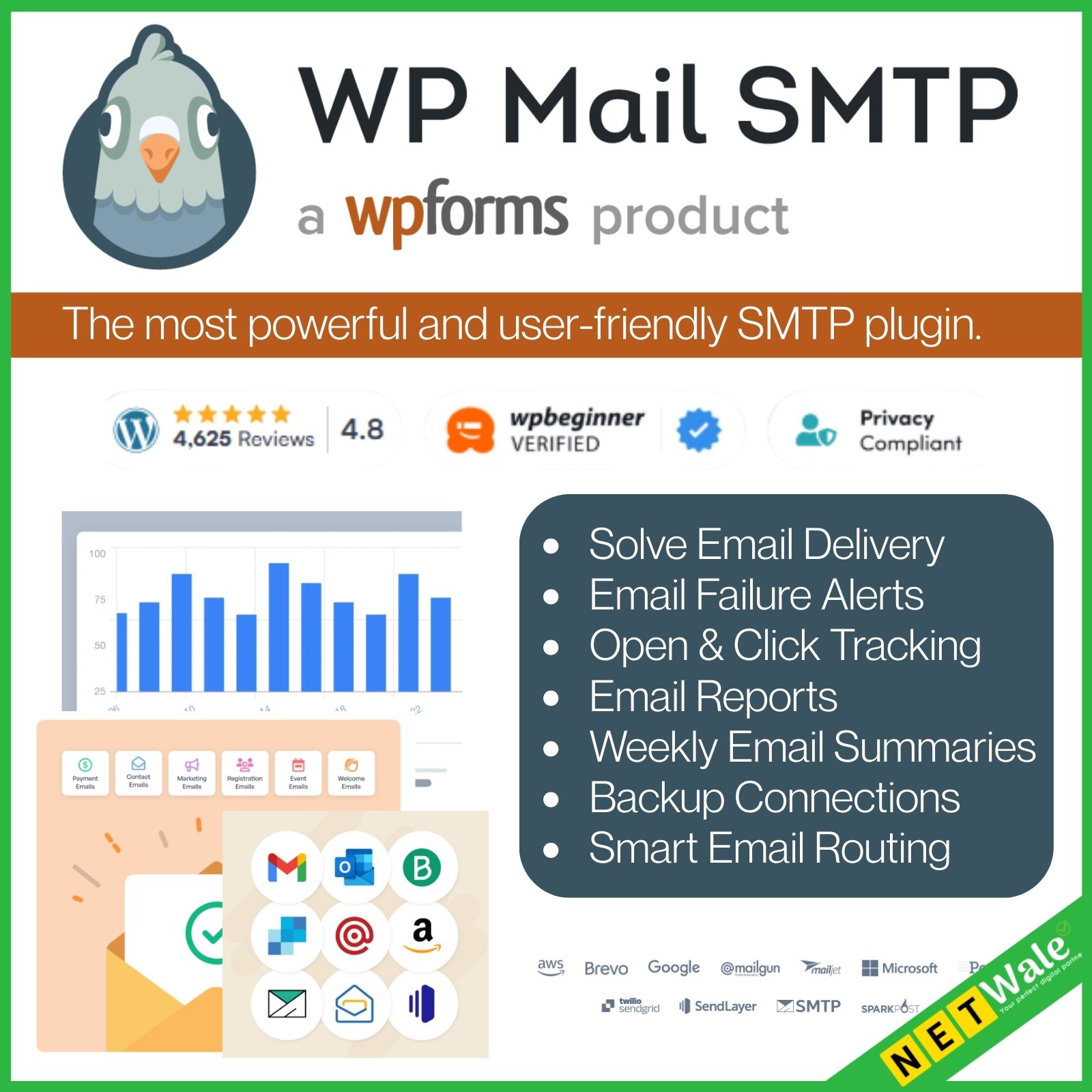
WP Mail SMTP is the easiest way to fix WordPress email delivery and ensure your emails reach the inbox! Here are the features that make WP Mail SMTP the most powerful and user-friendly SMTP plugin.
Solve Email Delivery
Authenticate your emails so they reach inboxes, not spam folders.
Email Failure Alerts
Get instant alerts when emails fail to send so you can take quick action to solve the issue.
Backup Connections
Set up a secondary email provider in case your primary provider fails.
Email Reports
Create graphs of email tracking and deliverability statistics.
Manage Notifications
Control which email notifications your WordPress site sends.
Email Logs
Save details about every email sent from your WordPress site.
Open & Click Tracking
See open and click-through rates for your WordPress emails.
Smart Email Routing
Use conditional logic to send emails through different providers.
Weekly Email Summaries
Get an email deliverability update sent right to your inbox.
SendLayer
Send emails with SendLayer for fast, reliable, and affordable email delivery.
Brevo
Use your Brevo account to optimize email deliverability.
Google Workspace / Gmail
Utilize Google’s reliable email service for seamless and secure message delivery.
Mailjet
Enhance your email deliverability with Mailjet’s powerful SMTP relay service.
Postmark
Boost your transactional email deliverability with Postmark’s specialized SMTP service.
SMTP.com
Connect your WordPress website with SMTP.com, which has been delivering emails for over 20 years.
Amazon SES
Leverage Amazon’s robust infrastructure for high-volume, cost-effective email sending.
Mailgun
Ensure your emails reach their destination with Mailgun’s powerful delivery capabilities.
Microsoft 365 / Outlook.com
Harness Microsoft’s trusted email platform for dependable email delivery.
Fix Your WordPress Email Problems, Once and For All
If you’re having issues with WordPress not sending emails, you’re not alone. With the rise of aggressive spam filtering, it’s tough to reach the inbox unless your emails are configured correctly.
Once you’ve switched from the default WordPress email settings over to WP Mail SMTP, your email deliverability issues will be solved for good.
Stop Your WordPress Emails From Being Marked as Spam
Are you losing leads and sales because emails sent from your WordPress site are ending up in the spam folder? Missing out on these opportunities can be a big hit to your bottom line.
When your emails are properly authenticated using SMTP, they’ll be recognized as legitimate and bypass spam filters.
Send Emails More Securely Using Your Favorite SMTP Provider
WP Mail SMTP integrates with all of the best and most secure SMTP providers. By authenticating your emails, these providers protect your IP reputation, which reduces the risk of your sending domain being blacklisted.
No matter how many emails you need to send, you can connect with the right provider for your business needs and budget.
Take Advantage of White Glove Setup and Priority Support
If you’re not a developer or technically inclined, then figuring out how to set up WordPress SMTP can be daunting. That’s why our top-rated support team is here to help you every step of the way.
Let us take care of the technical details for you!
Never Lose Track of Your Emails
With WP Mail SMTP’s comprehensive email logging feature, you’ll never have to wonder if your important emails are actually reaching their destinations.
Keep a detailed record of every email sent from your WordPress site, including delivery status, recipient information, and content. This invaluable data helps you troubleshoot issues and ensures your crucial communications are always accounted for.
Stay Informed With Instant Alerts for Failed Emails
Don’t let failed emails slip through the cracks and potentially cost you business. WP Mail SMTP’s automatic alert system enables you to receive immediate notifications when an email fails to send. Then you can quickly address the issue and resend important messages.
Choose to receive alerts via email, SMS, Slack, Microsoft Teams, Discord, or using custom webhooks.
Ensure Uninterrupted Email Delivery
Email downtime can cost your business. That’s why WP Mail SMTP lets you set up a reliable backup mailer connection that kicks in automatically if your primary connection fails.
This fail-safe feature ensures your emails continue to reach inboxes even in the face of unexpected issues. You can rest easy knowing that your critical messages will always find their way to their intended recipients, no matter what.
Gain Valuable Insights With Detailed Email Reports
Understanding your email performance is vital for optimizing your communication strategy. WP Mail SMTP’s thorough email reports put this information at your fingertips.
Track delivery rates, open rates, and other key metrics to gauge the effectiveness of your emails. With this data-driven approach, you can make informed decisions to improve your email deliverability and engagement.